Direct Links and QR codes
Direct Links gives every brand, category, product and variant its own link and QR code. Opening it starts the try-on with that item selected.
Use them anywhere customers can scan or click: in-store displays, posters, kiosks, printed catalogs, packaging, emails and social media.
Get a link or QR code
-
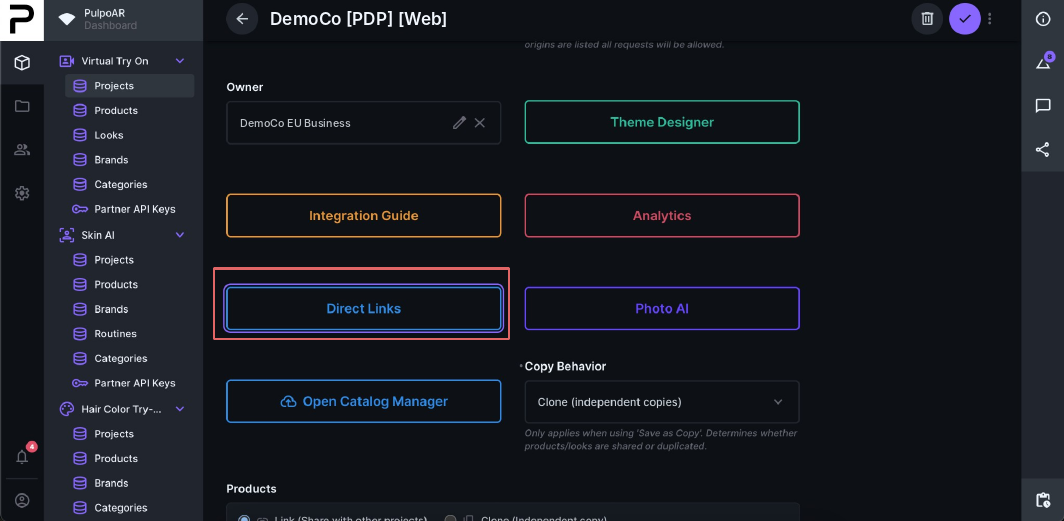
Click Direct Links on your project page.
-
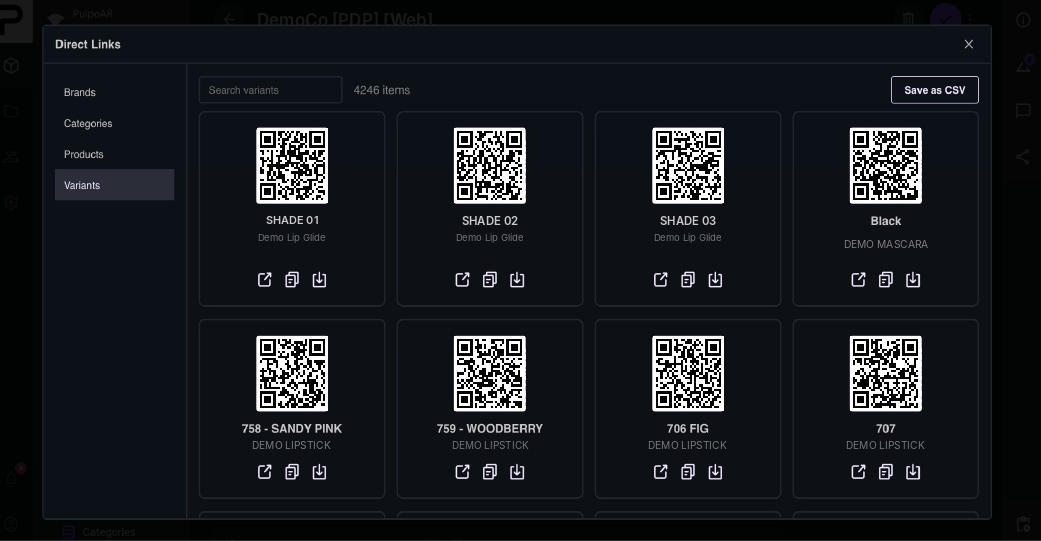
Choose a tab: Brands, Categories, Products or Variants.
-
For any item, open the link, copy it or download its QR code.
Export all links
Click Save as CSV to download every link in the current tab as one file. This is useful for print or in-store teams.