Accessing Studio
PulpoAR Studio is where you set up and manage your PulpoAR experiences.
Get access
- Your PulpoAR account manager creates a Business Account for your organization. It owns all your projects, users and API keys.
- You receive your login details.
- Sign in at api.pulpoar.com/admin/login.
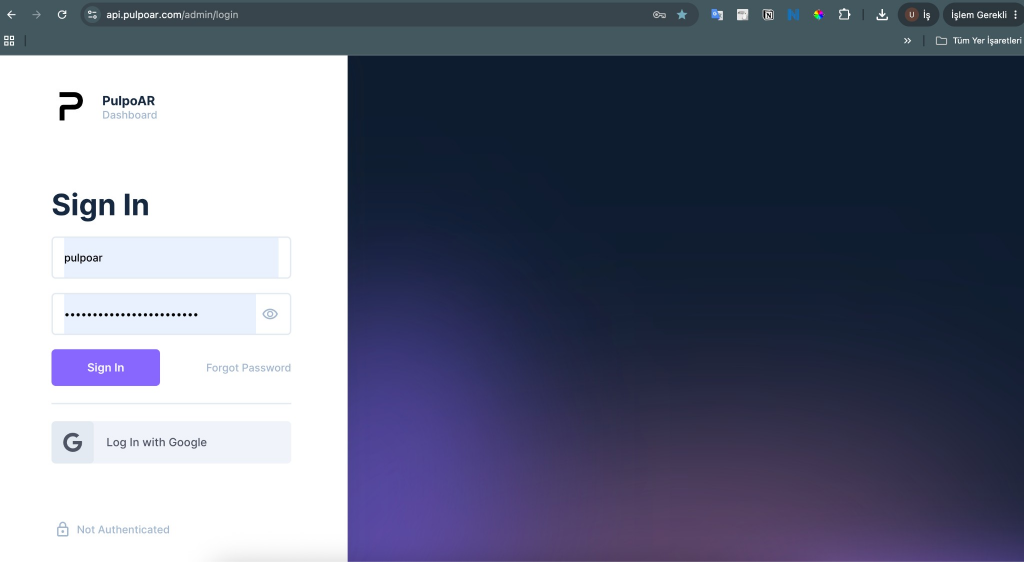
SSO is available on request for enterprise accounts.
The left menu
After you sign in, the left menu has a section for each solution: Virtual Try On for Makeup Virtual Try-On, Skin AI for Skin Analysis, and Hair Color Try-On. Each section has:
| Section | What it's for |
|---|---|
| Projects | Your experiences. Start here for anything new. |
| Products | All products across your projects. In Virtual Try On and Hair Color Try-On, this includes variants. |
| Brands | Your brands. |
| Categories | Your product categories. |
| Partner API Keys | Keys your developers use for the APIs. See API keys. |
Virtual Try On also has Looks, and Skin AI also has Routines. You only see the solutions your account uses.