API keys
Your developers need an API key to use the Partner API and the Analytics API for Makeup Virtual Try-On or Skin Analysis. You create and manage keys in Studio, under Partner API Keys.
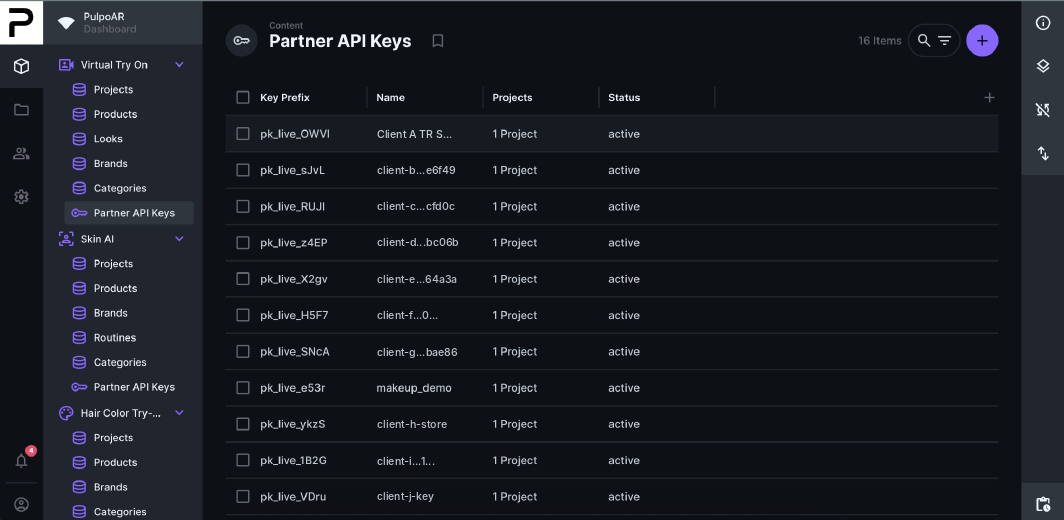
Create a key
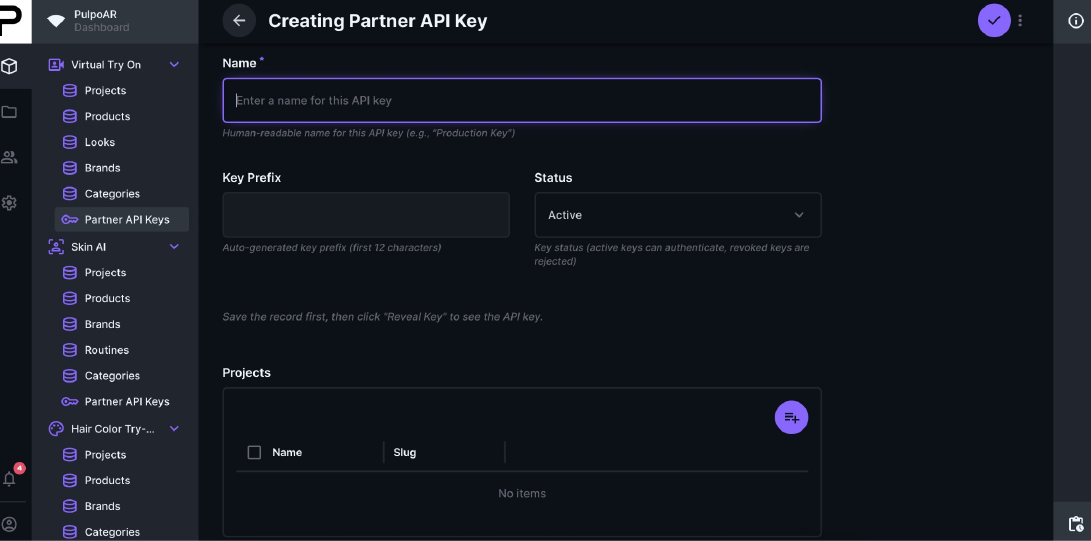
- Go to Partner API Keys and click +.
- Fill in:
- API Key Name: a label, for example "Production" or "Mobile app".
- Status: Active.
- Projects: the projects this key can access.
- Save, then click Reveal Key.
- Copy the key and give it to your developers securely.
The key is shown only once
Copy it right away. If you lose it, create a new key.
Revoke a key
Set the key's Status to Revoked. Anything using that key stops working. Other keys aren't affected.
Tips
- Use one key per project or integration, so each key only accesses what it needs.
- Give keys clear names so you know where each one is used.
- Revoke keys you no longer use, or that may have been exposed.